Loading...
Custom Labels · Blank Labels · Your Brand. Our Priority.
Loading...
Buying Guides
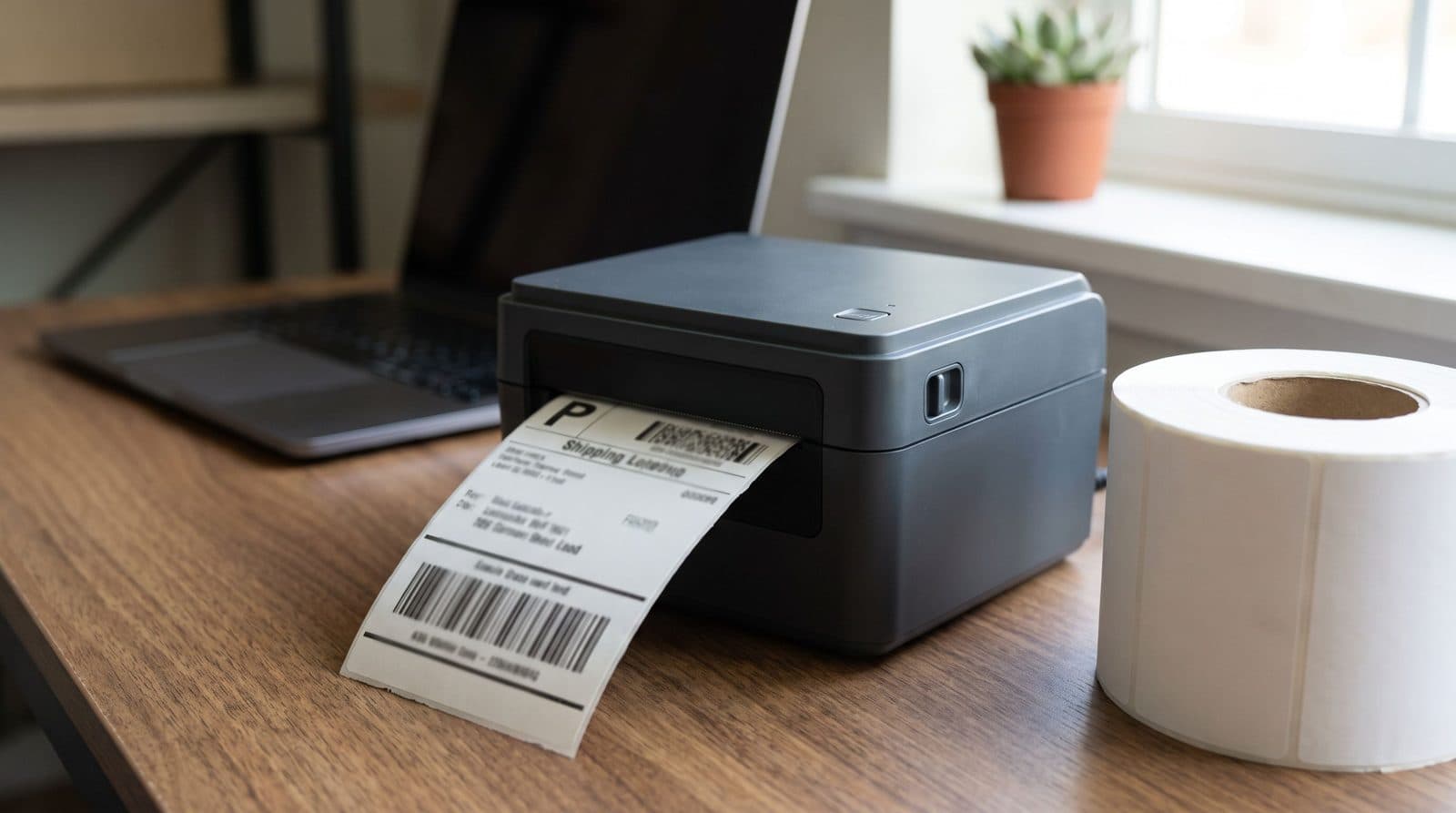
Every label printer purchase should start with one question: how long does this label need to survive, and in what environment. A shipping label that rides in a box for three days has very different requirements than an asset tag that lives on a piece of outdoor equipment for five years. Getting this answer right up front saves you from buying a printer that is either more machine than you need or, worse, one that cannot keep up with your volume once orders start climbing.
This guide walks through the practical decisions that matter: print method, duty cycle, resolution, speed, and media handling. None of it requires an engineering degree. It just requires knowing what each spec actually changes about the label coming off the printer.
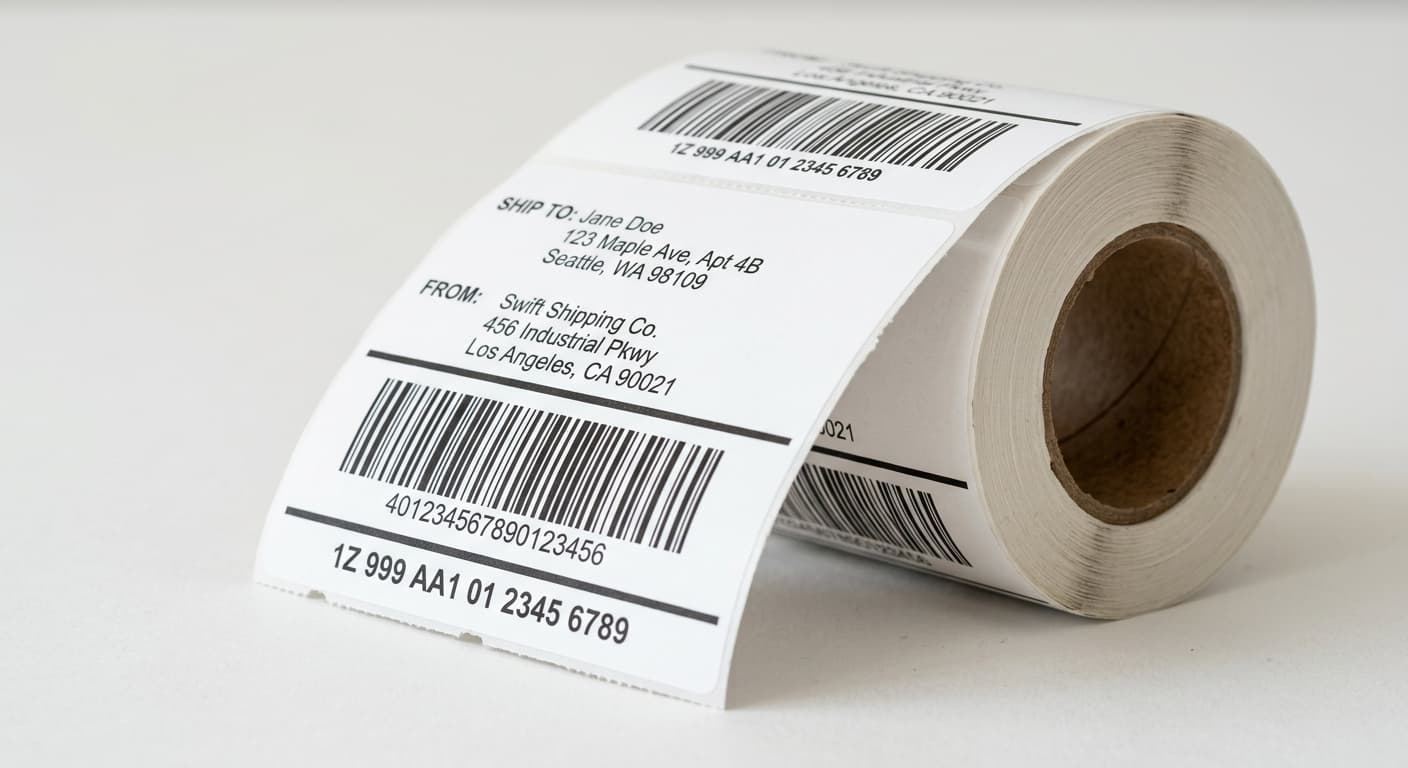
Direct thermal printers use heat-sensitive paper that darkens where the printhead touches it. There is no ribbon to buy, load, or replace, which makes direct thermal the simplest and cheapest option to run day to day. The tradeoff is durability: direct thermal labels fade with prolonged heat, direct sunlight, or friction, so they are best suited to short-lived labels such as shipping labels, receipts, and pick tickets that do their job in days or weeks, not years.
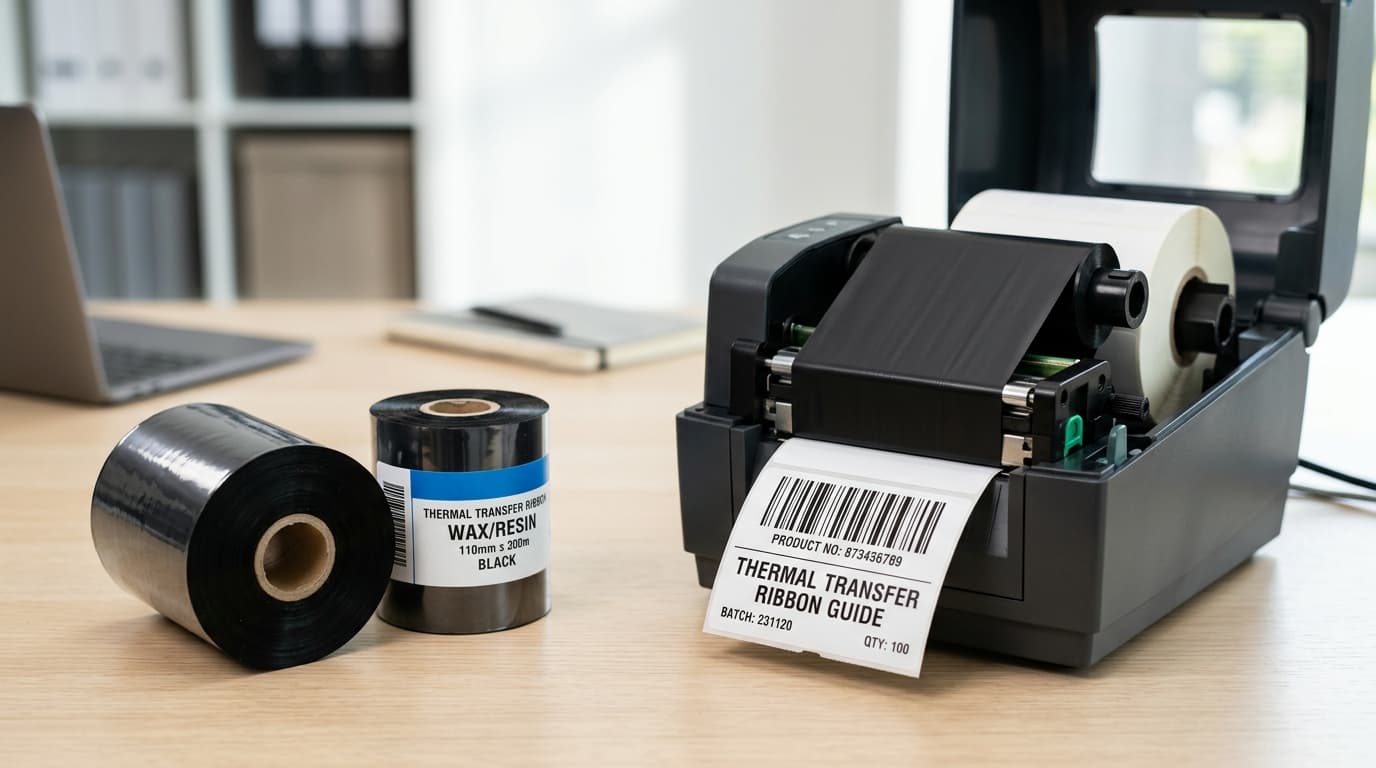
Thermal transfer printers work differently. A ribbon coated with wax, wax-resin, or resin sits between the printhead and the label, and heat transfers the ink onto the label surface instead of onto the label itself. That extra step adds a small ongoing cost for ribbon, but it produces a print that resists heat, chemicals, abrasion, and sunlight far better than direct thermal. If a label needs to last as long as the product it is attached to, thermal transfer is almost always the right call.
A simple rule of thumb: if the label gets read once and discarded, like a carrier shipping label, direct thermal saves money. If it needs to stay legible for months or years, such as an asset tag or a product label on packaging sitting on a shelf, plan for thermal transfer.
Desktop printers are built for lower daily volumes, typically a few hundred labels per day, and they are designed to sit on a counter or shipping station. They are compact, quiet, and inexpensive to purchase, but their internal components are not built for continuous, around-the-clock operation. A GoDEX desktop printer is a solid fit for a shipping desk, a retail counter, or a small production cell that prints intermittently through the day.
Industrial printers are a different class of machine. They use metal frames, larger motors, and printheads rated for far higher duty cycles, often tens of thousands of labels per day without a break. A GoDEX industrial printer is the right choice when a printer runs continuously on a production line, feeds an automated labeling applicator, or simply cannot be allowed to fail during a shift because there is no backup unit nearby.
The mistake we see most often is buying a desktop printer to save money and running it at industrial duty cycles. The printhead and drive components wear out far faster than expected, and downtime plus repeat purchases quickly outweigh the difference in sticker price. If daily volume is climbing past a few hundred labels a day, step up to an industrial model from the start.
Resolution, measured in dots per inch (dpi), controls how fine the detail on a label can be. A 203 dpi printhead is the standard choice for most shipping labels, pallet labels, and general barcode printing, and it prints noticeably faster at a given speed setting because it has fewer dots to place per inch. Most 1D barcodes, large text, and standard shipping formats look perfectly crisp at 203 dpi.
A 300 dpi printhead is worth the extra cost when labels carry small text, dense 2D barcodes like a small DataMatrix or QR code, or detailed graphics such as a logo. Jewelry tags, medical device labels, and electronics component labels are common examples where 300 dpi keeps text legible at a small label size. If unsure, check the smallest barcode module width and font size on your labels; if either is very small, 300 dpi is the safer choice.
Print speed is usually listed in inches per second (ips), and it tells you how fast the print mechanism can move, not necessarily how fast your total labeling process runs. A printer rated at 6 ips will not always print six times faster than one rated at 1 ips in real-world use, because the actual output speed depends on label length, the complexity of what is being printed, and how the printer is fed, manually versus by an automated applicator.
For most desktop applications, moderate print speeds in the 4 to 8 ips range are more than adequate, and pushing a printer faster than it needs to go can actually reduce print quality on dense barcodes. Where speed matters most is on a production or fulfillment line where the printer feeds directly into a conveyor, applicator, or high-volume packing process. In those cases, match the printer speed rating to your line speed and build in a small margin so the printer is never the bottleneck holding up the rest of the line.
Printers are rated for a maximum print width, commonly 2 inches or 4 inches for desktop models and up to 4.09 inches or wider on industrial units. Make sure the printer you choose comfortably exceeds your widest label, since running right at the maximum width can lead to registration issues over time.
Roll diameter and core size matter just as much as width, especially as you scale up volume. Small desktop printers typically load rolls with a 1 inch core and a modest outer diameter, which is fine for lower-volume use but means more frequent roll changes. Higher-volume desktop and industrial printers are often built to accept larger rolls on a 3 inch core, which holds significantly more label footage per roll and cuts down on how often an operator has to stop and reload media. If your team is changing rolls multiple times a shift, moving to a printer that accepts 3 inch core media is one of the simplest ways to reduce downtime.
Finally, think about where the printer will live and what it needs to talk to. USB is standard on nearly every printer and is fine for a single connected computer. Ethernet is more reliable when a printer is shared across a network or sits in a fixed production spot. Bluetooth and Wi-Fi add flexibility for mobile stations, but only choose them if you actually need that mobility.
Walk through these questions before you buy: how long does the label need to last, how many labels print per day, how small is the smallest text or barcode, how fast does the line move, and how wide is the label. Answer those honestly and the right printer becomes obvious. If you are still unsure, our team can review your label samples and daily volume and recommend a specific model, including GoDEX desktop and industrial printers sized to your operation.
With more than 25 years of experience and authorized GoDEX reseller status, our team can help you match the right printer, label stock and ribbon to your operation.